The printing part of wall printing is the simplest part. A good file, set up the right way, does most of the work. Here’s the path from design to a finished wall.
Step 1: Design
Create or source the artwork in Photoshop, Illustrator or AI tools. Set the color profile to CMYK and export a TIFF, SVG or PDF.
Step 2: Load
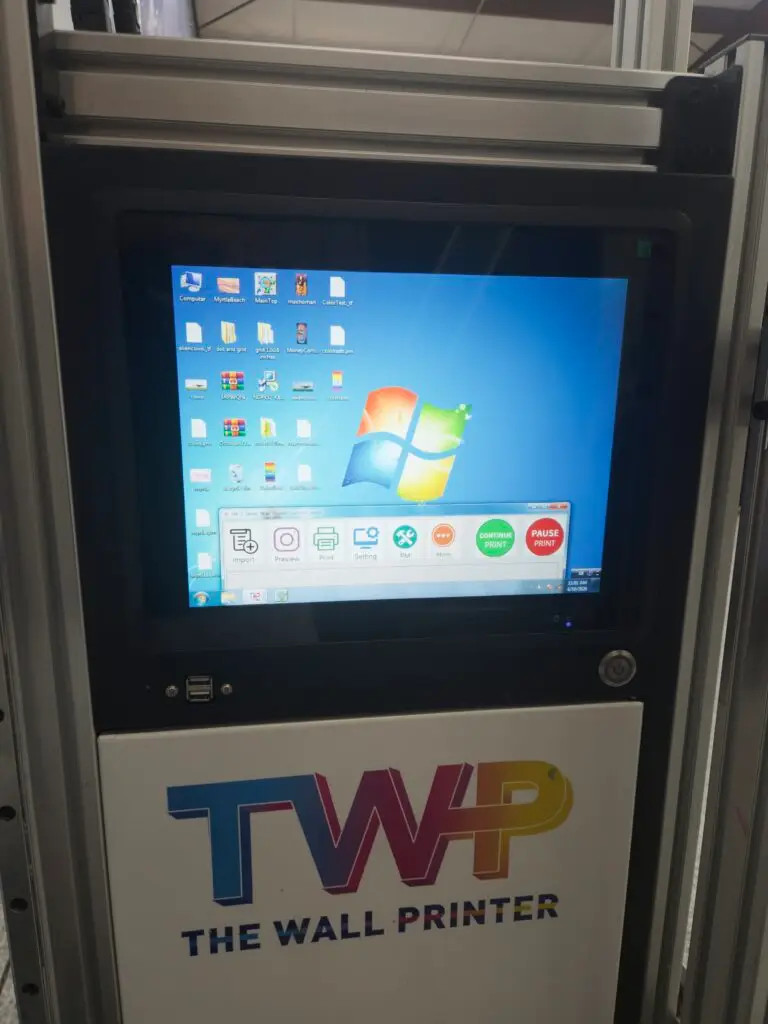
Move the file to the printer’s Windows computer. The RIP software, included with no annual fee, slices the image into print passes.
Step 3: Set up
Size and place the image on the touchscreen. Pick the resolution for speed or detail, and choose CMYK or CMYK plus white. Use the white layer on dark walls and clear surfaces.
Step 4: Print
Press start. Stay close, and use the time to film, talk to the client and line up the next job. Most owners print 10 to 20 square feet an hour, depending on resolution and surface.
Where the graphics come from
- Images and photos. High-quality or RAW images scale best. Stock photography can be licensed online.
- Logos and branding. Clients often send their own files. For anything else, a local designer or design student works well. Charge for design time.
- New designs. Basic Photoshop training is included. Most owners work with partners or freelancers on complex designs.
When I got my printer home, I felt 100 percent confident assembling it, getting the ink in, doing the maintenance every day. Where I could have used more time was Photoshop, getting a file from the internet to the wall.
That’s common, and it’s the part worth practicing before your printer arrives. The designers page covers how to set up files for a wall.
How big can a file go?
The quality of the file sets the ceiling. A small, low-resolution image will look soft on a 10 foot wall. The Pro and Tech Series print up to 11 feet high, and taller images can be printed in sections and stitched together.
Questions people ask
What file types does a wall printer use?
Owners export a TIFF, SVG or PDF in CMYK. The RIP software on the printer turns it into print passes.
Do I need to know Photoshop?
It helps. Basic Photoshop training is included, and most owners work with partners or freelancers on complex designs.
How tall can a wall print be?
The Pro and Tech Series print up to 11 feet high. Taller images can be printed in sections and stitched together.
Want to walk through your own plan? Talk it through with the team in Wilmington. We’ll run the numbers for your market with you and answer the questions owners ask us most.
Business Blueprint series: the plan we walk through with new owners, one piece at a time. See the full Business Blueprint.
- How to build a wall printing business that runs without you
- Finding your first five wall printing clients
- Print in your shop: panels, canvas and signs between wall jobs
- Recurring wall printing work: refreshes, rollouts and property managers
- Every print is a live show: marketing a wall printing business with the work
- From design to print: the four-step wall printing workflow